01
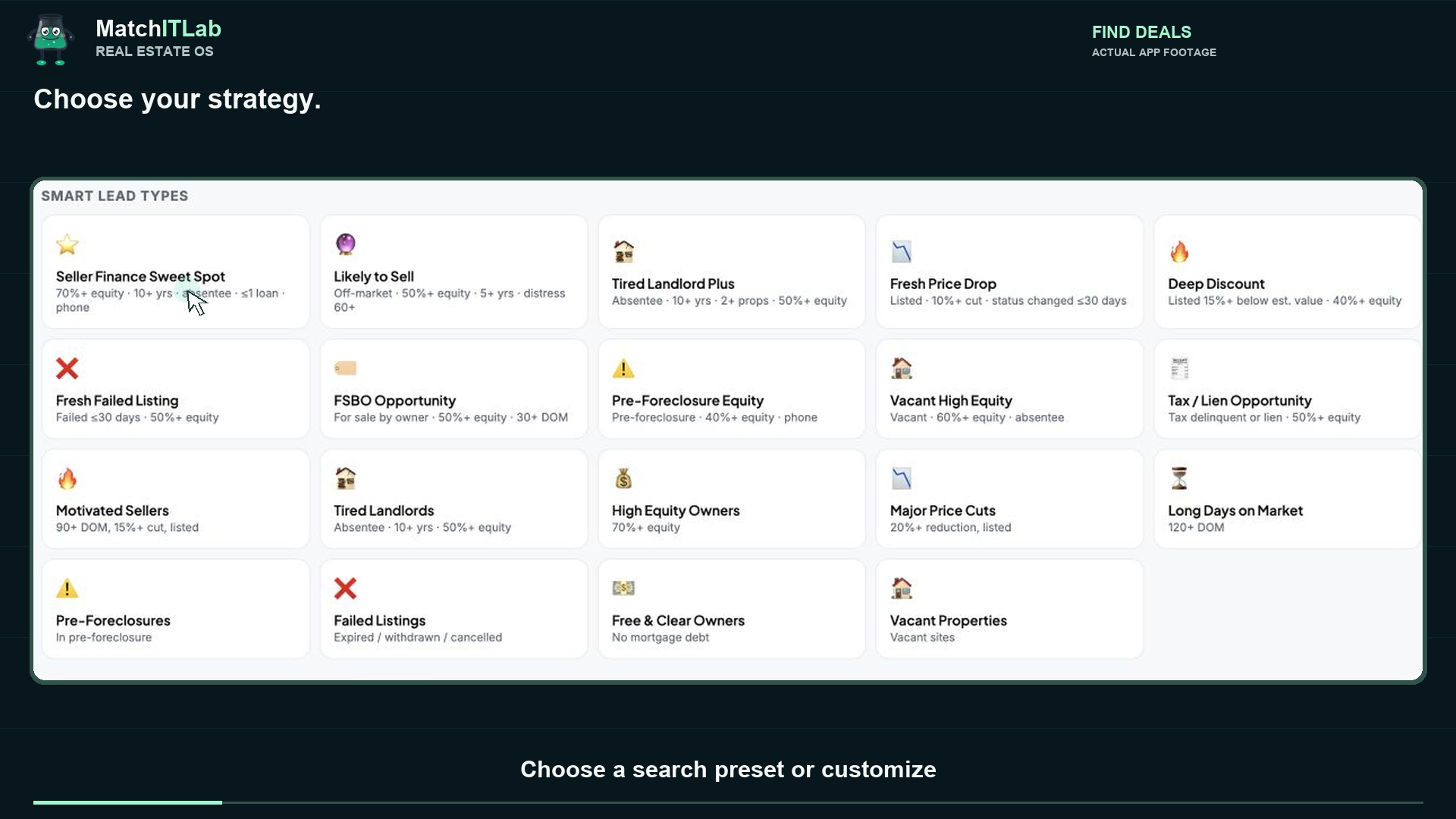
Find your kind of opportunity.
Start with ready-built search presets, then tailor location, property type, price, equity and other filters to your strategy.
Start with the overview. Choose a longer demo when you want to see the clicks, the data and the next step.
Start with Find Deals, explore a property, compare rents and ask AI. Save the opportunity to Leads, then see properties, rent and maintenance in their own section.
Share this page so people can choose how much they want to watch.
Demos show connected property records and clearly labeled estimates. Available details vary by property and source. Management screens include sample data; verify investment assumptions independently.
Start with ready-built search presets, then tailor location, property type, price, equity and other filters to your strategy.
Bring available property facts, ownership, listing history, debt and equity estimates into one place.
Explore nearby rental and sale listing comparisons, market context, expense assumptions and financing scenarios.
Discuss a property with AI using the information in its record. See assumptions, potential concerns and questions to investigate.
Save a property to Acquisition Leads and organize the stage of your research and follow-up with your team.
Explore pipeline, portfolio, rent tracking and maintenance views, with a workflow built around your real estate operation.
MatchITLab can also connect the wider real estate workflow: inbound enquiries, showing requests, your CRM and the follow-up your team needs.
Walk through the platform, ask questions and map out the workflow you need.
Book your demo